Stay Cyber Ready All Year Long
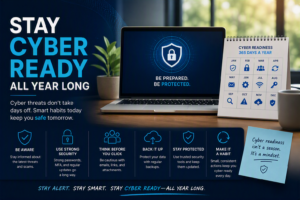
Cybersecurity isn’t something that should only be considered after an incident happens. With cyber threats becoming more advanced, staying protected requires more
Cybersecurity isn’t something that should only be considered after an incident happens. With cyber threats becoming more advanced, staying protected requires more

Backing up your technology is one of the simplest ways to protect your business and data. Whether it’s a cyberattack, accidental deletion,

If you’ve logged into an email, bank account, or social media account, you’ve likely been asked to enter a code before signing